What happens when you press Upscale
- A quick, invisible check. A Cloudflare Turnstile check runs in the background so bots cannot drain the model downloads. It asks nothing of you.
- The engine is fetched once. Your browser downloads onnxruntime-web (the runtime) and the ONNX model for your image, then stores them in its cache. The first run downloads about 14 to 45 MB depending on your device; later runs download nothing.
- Your image is decoded locally. It is read straight from the file into memory. No upload ever happens.
- Tiles. The image is cut into overlapping tiles (256 px by default). Each tile goes through the model on your graphics chip (WebGPU) or processor (wasm).
- Seam blending. Tiles overlap and are blended with a weighted filter, so you do not see grid lines. This is the same method as waifu2x.
- You get a PNG. The canvas in the page is turned into a PNG file on your device.
You can check the privacy part yourself. Open your browser's developer tools, go to the Network tab and upscale an image. You will see the model files come in. You will not see your image go out.
The models and what each is for
| Used for | Model | Size | Best for |
|---|---|---|---|
| Drawing, 2x | swin_unet_v3 / art | about 17 MB | Drawings, anime, logos |
| Drawing, 4x | swin_unet / art | about 17 MB | Small drawings enlarged 4x |
| Photo | swin_unet / photo | about 19 MB | Camera photos |
| Heavily compressed drawing | swin_unet / art_scan | about 19 MB | Screenshots, scans, compressed drawings |
| Light (no WebGPU) | cunet / art | about 5 MB | Fast 2x on weak devices |
The default tile size, TTA off and the backend order (WebGPU, then wasm) match the waifu2x browser demo. Clean-up is picked from the file: for a JPEG we read its quantization tables to estimate the quality (90 and above gets level 0, 75 to 89 level 1, 50 to 74 level 2, below 50 level 3), and PNG gets none. The type, drawing or photo, is guessed from how flat and how colorful the image is.
Why not one model for everything? Because the wrong model damages the picture. In our test, an anime-trained model turned a photographed knitted sweater into flat painted shapes. That is why the page asks what kind of image you have.
The benchmark
We tested waifu2x, Real-CUGAN and Real-ESRGAN models on nine open-licensed images: three anime drawings (Wikipe-tan, CC BY-SA), two painted comic pages (Pepper&Carrot, CC BY 4.0) and four photographs from the Kodak set. Each image was damaged four ways: shrunk 2x with clean JPEG (quality 90), shrunk 2x with heavy JPEG (quality 50), shrunk 4x, and a blur plus double-JPEG case that imitates a screenshot or chat-app picture. Each model had to rebuild the original. The score is LPIPS, a perceptual distance where lower is better.
| Case | Best result (LPIPS) | Best waifu2x |
|---|---|---|
| Clean anime, 2x | waifu2x swin_unet_v3 art, 0.022 | Same |
| Anime with bad JPEG, 2x | waifu2x swin_unet_v3 art, 0.042 | Same |
| Anime, 4x | waifu2x swin_unet art, 0.049 | Same |
| Anime screenshot or chat picture | waifu2x art_scan, 0.074 | 0.074 (art_scan); default art model 0.112 |
| Painted comic, clean 2x | waifu2x swin_unet_v3 art, 0.083 | Same |
| Painted comic, 4x | waifu2x swin_unet art, 0.190 | Same |
| Painted comic screenshot | Real-ESRGAN anime 6B, 0.211 | 0.212 (art_scan): a tie |
| Clean photo, 2x | waifu2x photo, 0.209 | Same |
| Photo, 4x | waifu2x photo, 0.322 | Same |
| Photo with bad JPEG, 2x | Real-ESRGAN x2plus, 0.299 | 0.317 (photo) |
| Photo screenshot or chat picture | Real-ESRGAN x2plus, 0.319 | Not top ranked |
The headline result is for drawings that went through a screenshot or chat app: the art_scan model made 34% fewer perceptual errors than the default art model (0.074 against 0.112). That is the reason strongly compressed drawings are sent to the art_scan model. Real-CUGAN never came first in this test.
On heavily damaged photos, Real-ESRGAN x2plus did better than waifu2x. It weighs 64 MB, so we do not ship it yet. Real-CUGAN and Real-ESRGAN are not used on this site at the moment.
Before and after
Real crops from our open-licensed test set. Before is a plain bicubic enlargement, the kind any resizer gives you. After is the waifu2x model named under each image.
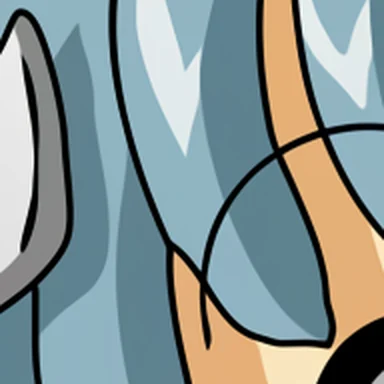
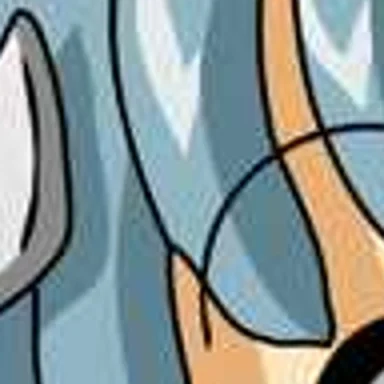 BeforeAfter
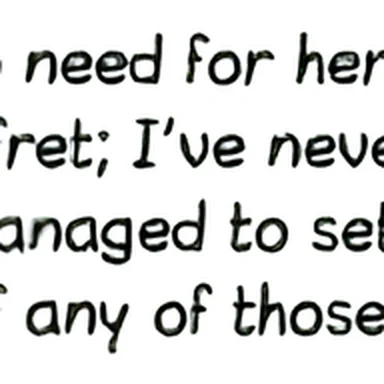
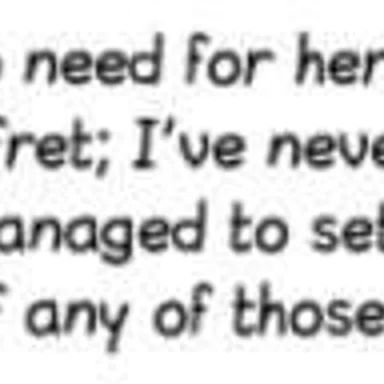 BeforeAfter
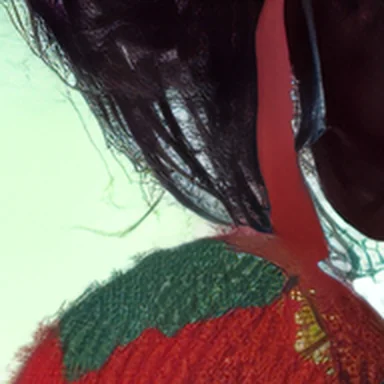
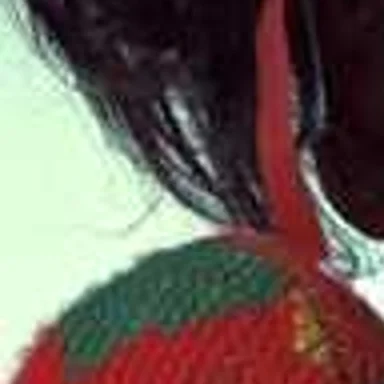 BeforeAfter
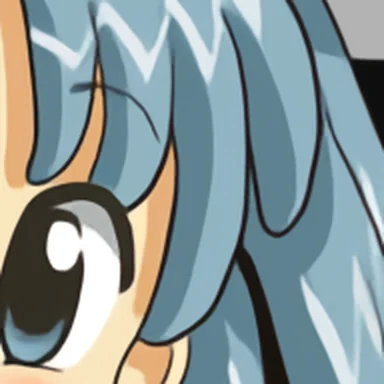
 BeforeAfter
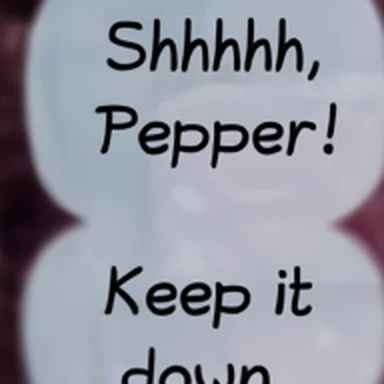
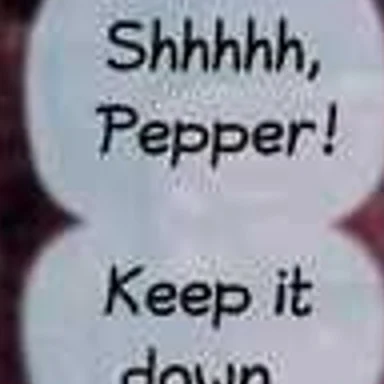 BeforeAfter
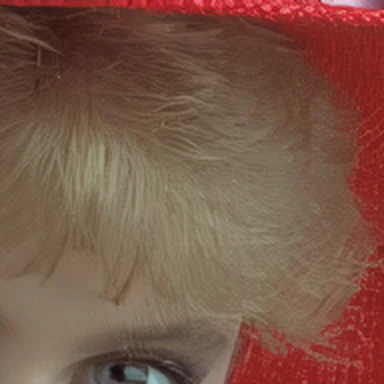
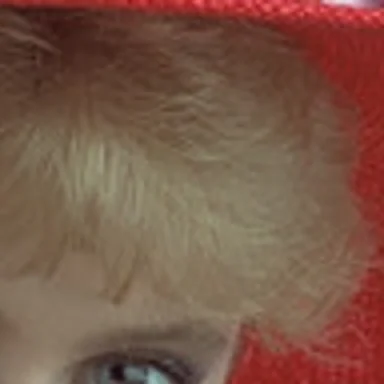 BeforeAfter
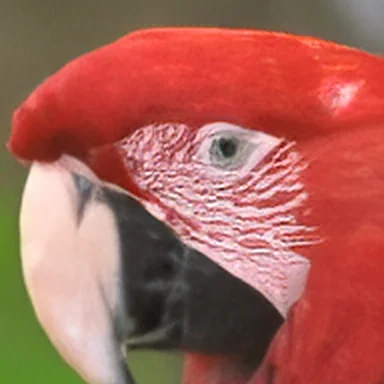
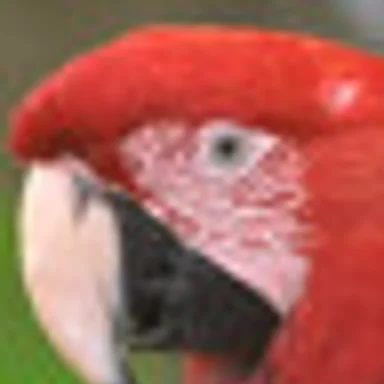 BeforeAfter
Limits of this test
- Small. Nine images. Digital painting and black-and-white manga were missing because the image source blocked those downloads.
- Synthetic damage. The first three damage types look like what waifu2x was trained on, so they favor it. The screenshot case sits outside its training and balances this.
- A metric is not taste. GAN models (Real-ESRGAN, Real-CUGAN) often look crisper to the eye than LPIPS suggests.
- Speed was measured on a desktop GPU and not in a browser. Real browser speed varies widely by device.
- The 4x-only models were scaled down to 2x for the 2x cases, as other sites do.
We plan a blind test with people. Until then, read the table as a good indication, not a verdict.
Credits and licenses
- waifu2x and nunif. The models and the browser engine code this site adapts are © nagadomi, MIT license. github.com/nagadomi/nunif. If you like them, support the author on Patreon.
- onnxruntime-web. The runtime that executes the models. MIT license, Microsoft.
- Test images. Wikipe-tan drawings from Wikimedia Commons (CC BY-SA), Pepper&Carrot by David Revoy (CC BY 4.0), and the Kodak Lossless True Color Image Suite.
- Independence. freeupscale is an independent project and is not affiliated with nagadomi or the other authors.
More about privacy is on the privacy page. To try the engine, go to the upscaler.